Archive for the ‘How HipChat Works’ Category

Jeff Park

Hubspot <3 HipChat, HipChat <3 HubSpot

By Jeff Park | 4 weeks ago | 1 Comment

Sara Yin, the Content Marketing Specialist at Atlassian, made a visit to HubSpot recently, and they discussed how the HubSpot team uses HipChat. They were kind enough to record a whole video explaining how HubSpot uses HipChat. awthanks

For more information on Sara’s visit to HubSpot, jump over to her blog!

Jeff Park

Make HipChat your Team’s Command Center

By Jeff Park | 2 months ago | 4 Comments

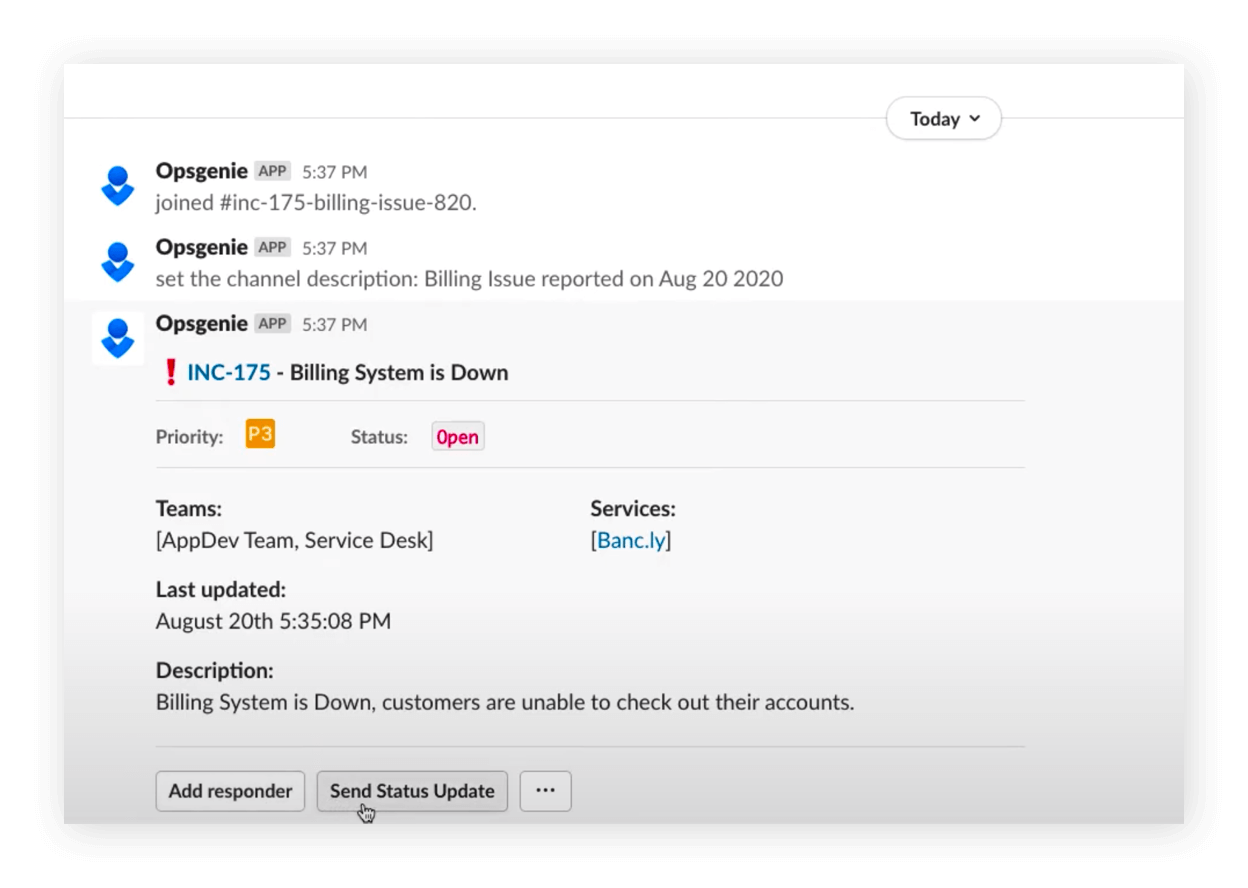
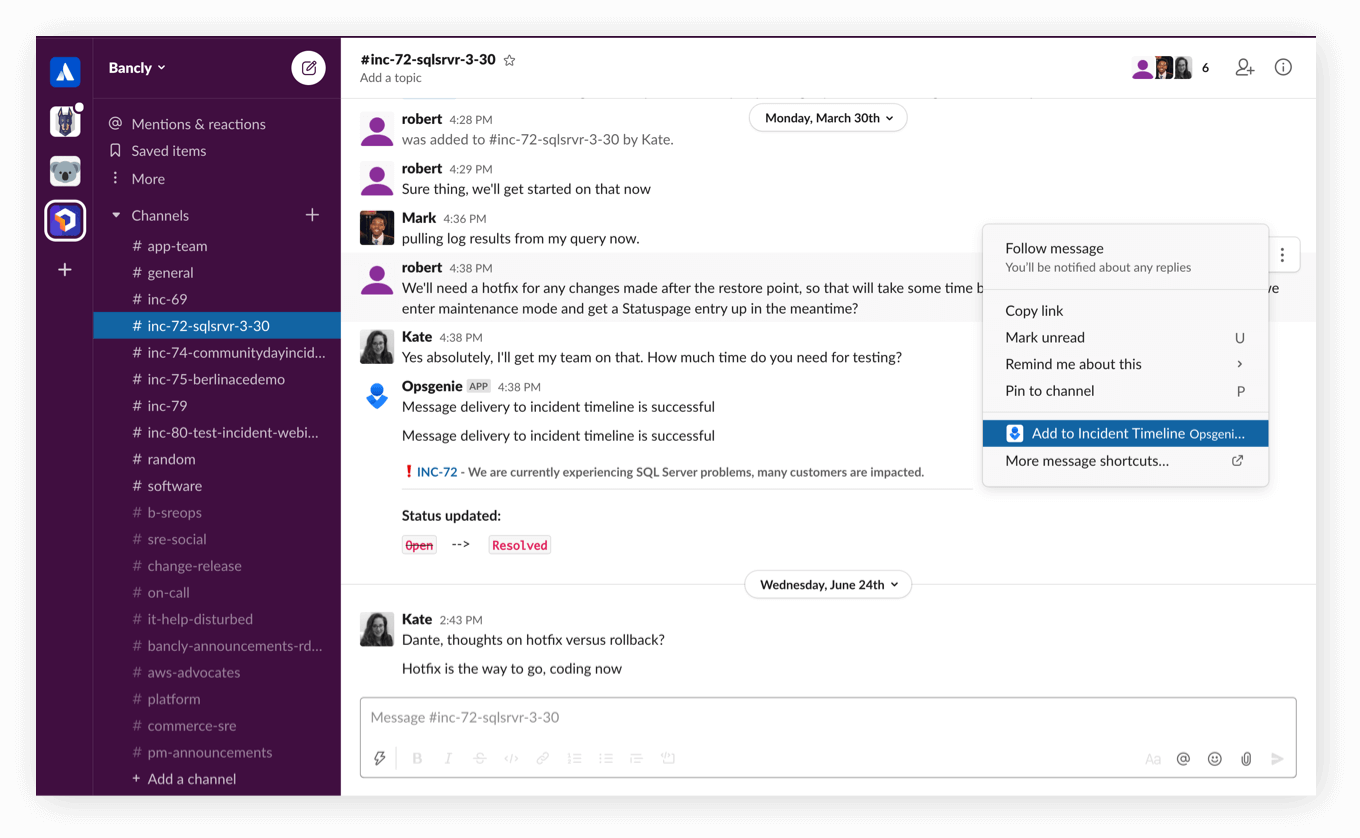
Our customers love HipChat because it’s so easy to extend. HipChat connects to over 45 tools that your company uses every day. Here are 5 ways to make HipChat your team’s command center and stay on top of everything your team needs to know about.

1. Connect to JIRA and Pivotal Tracker

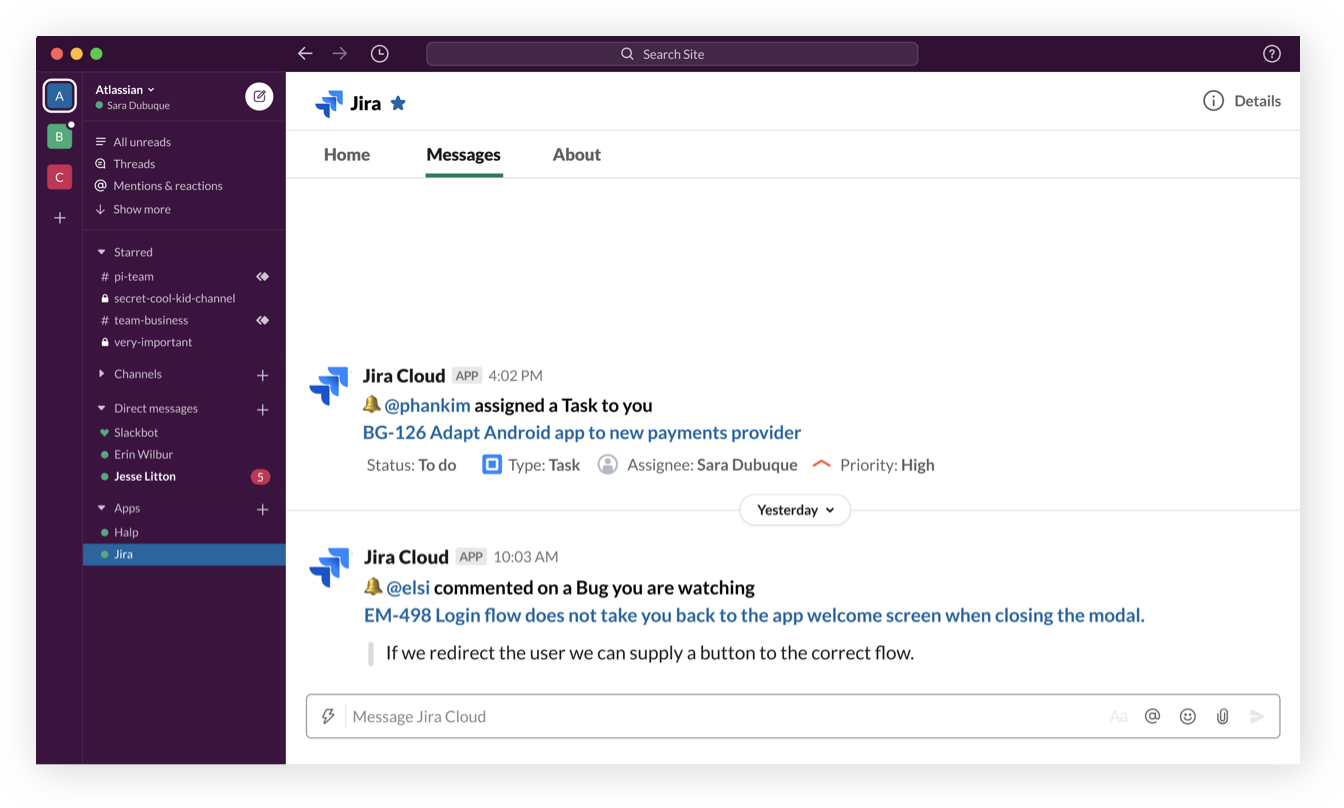
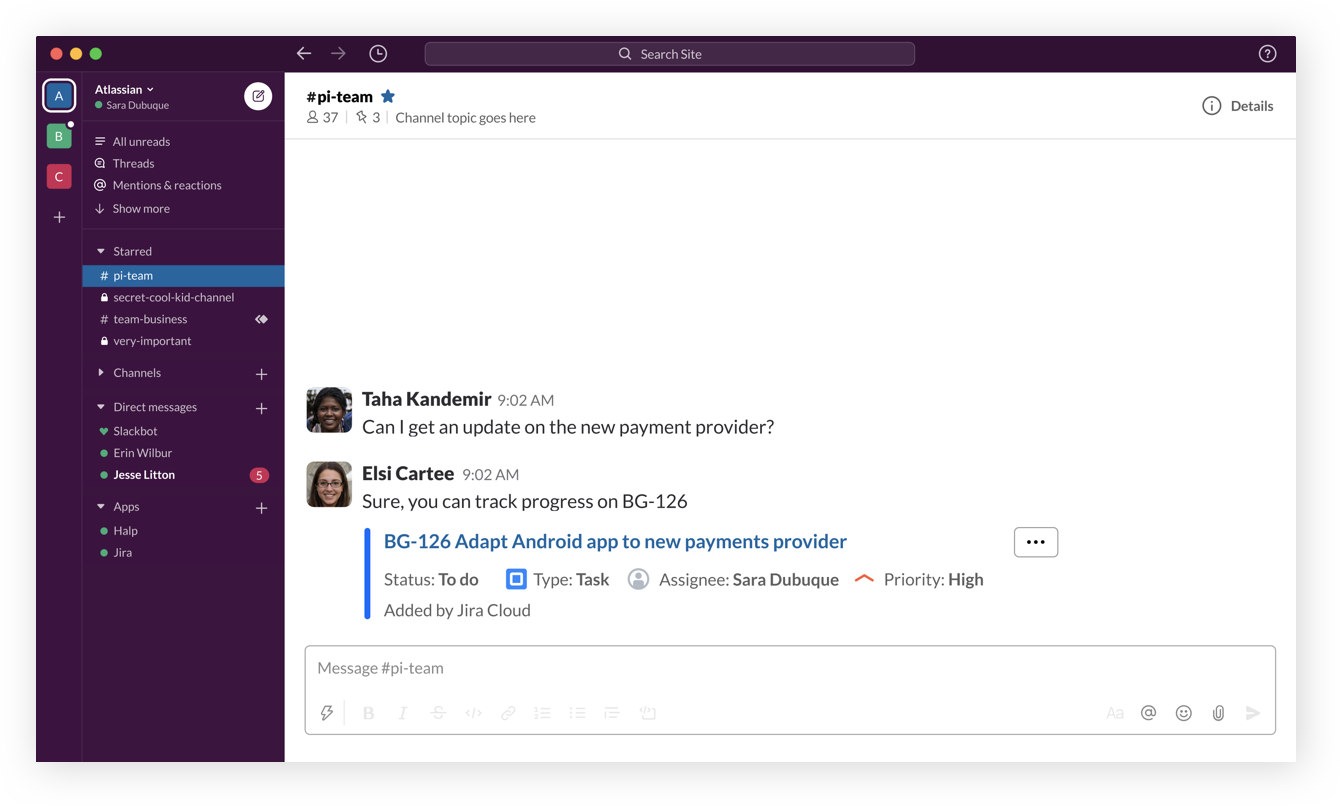
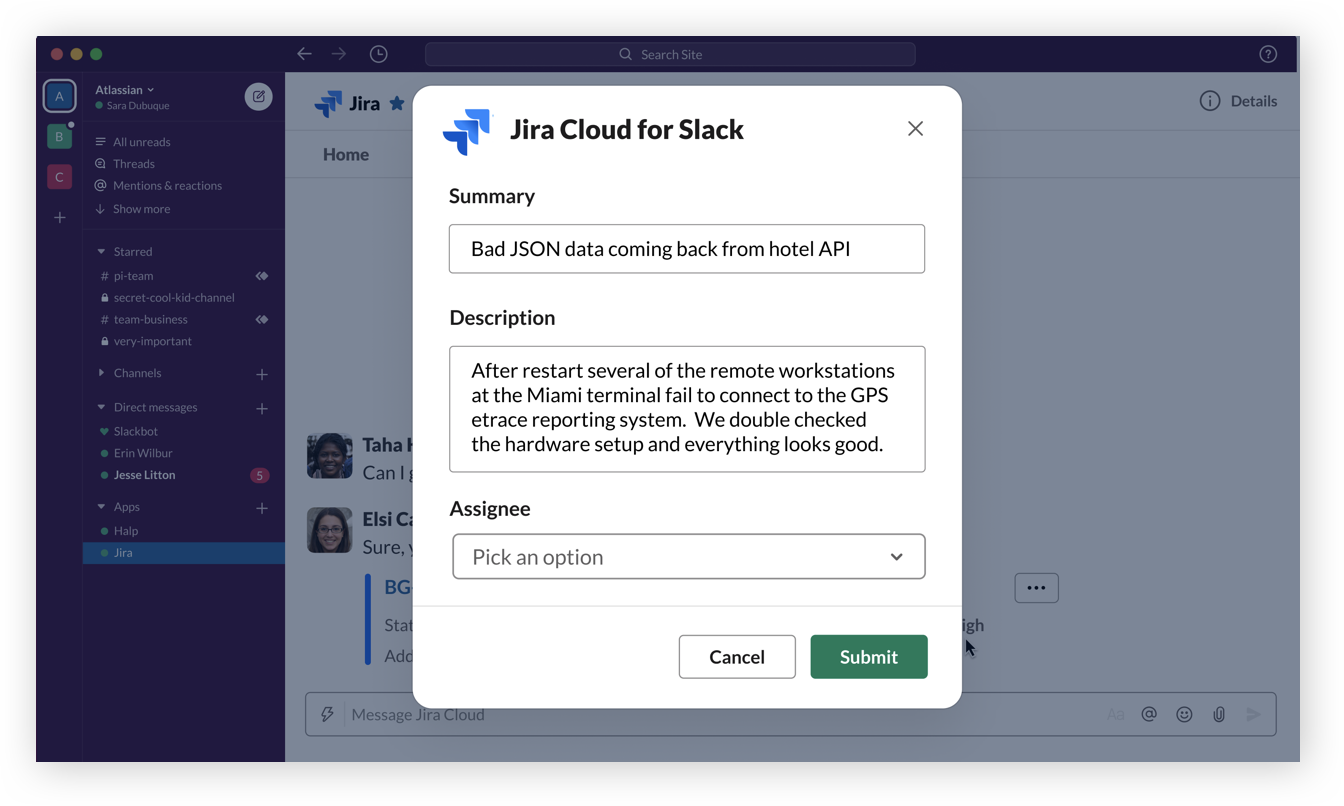
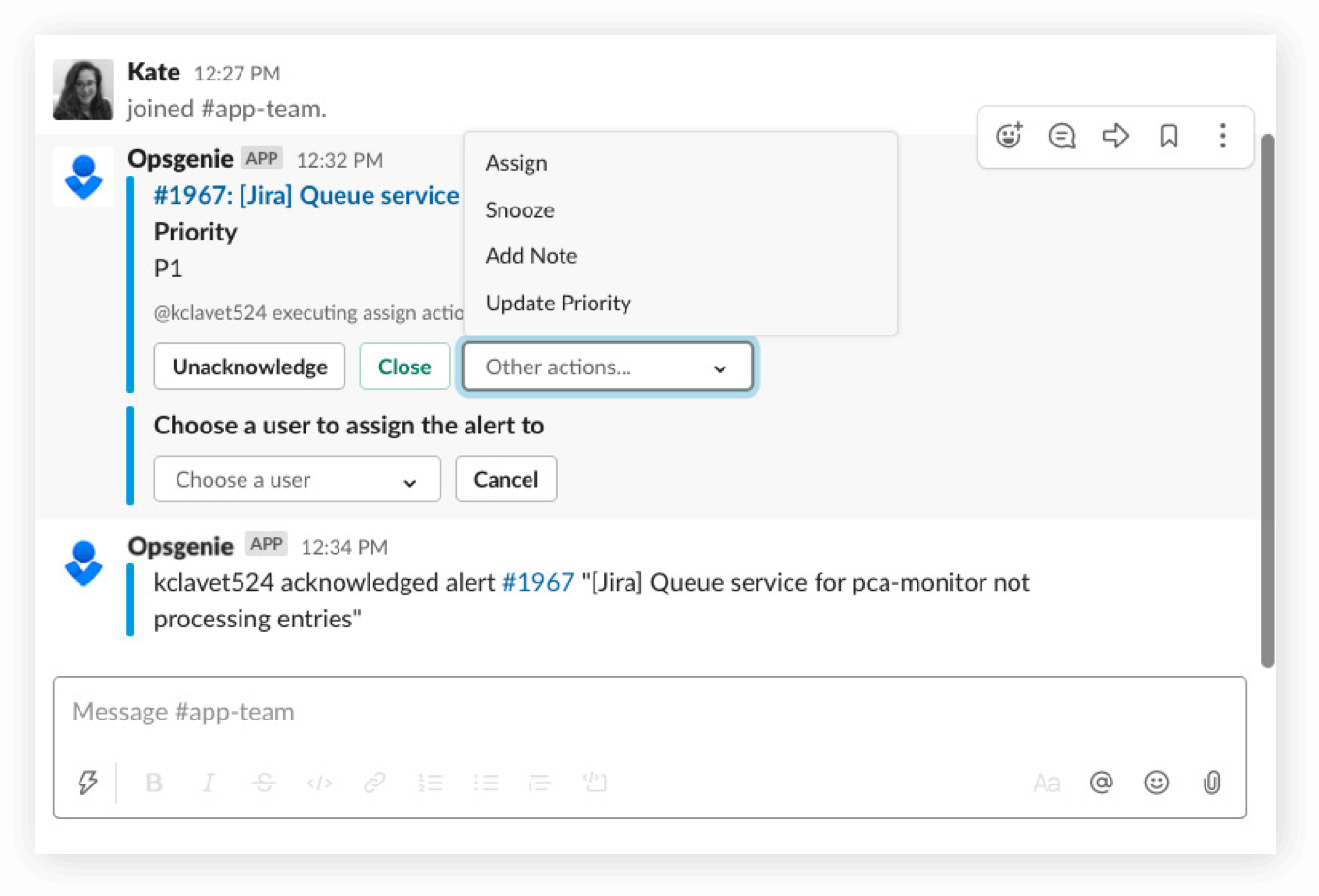
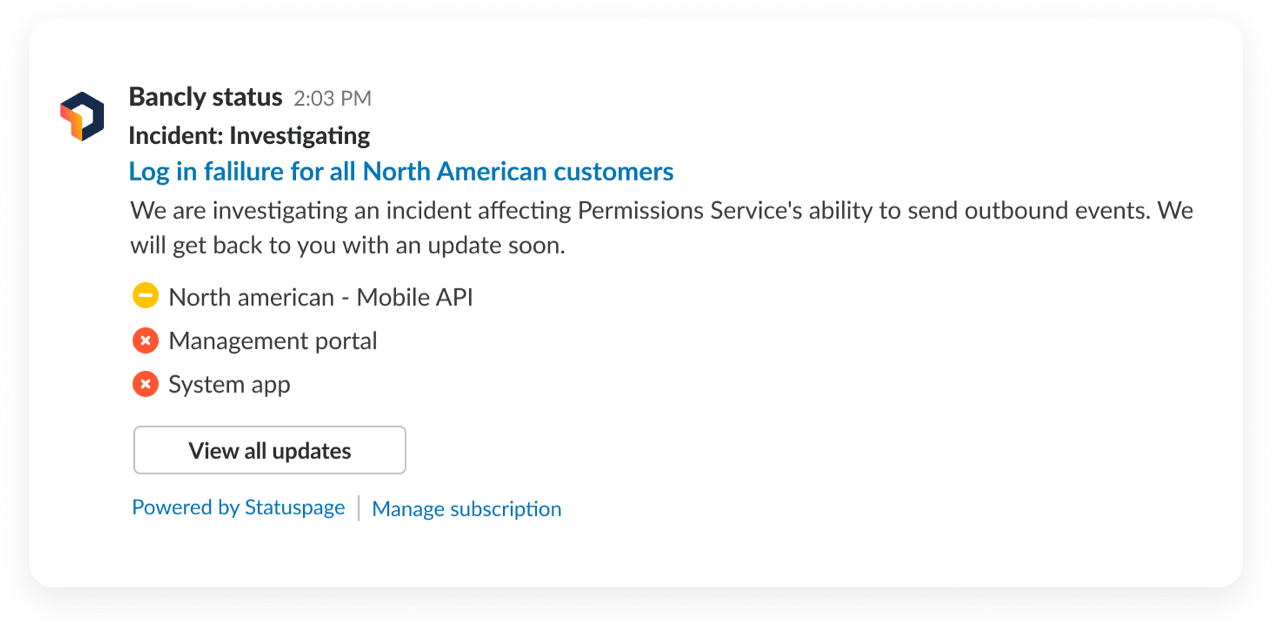
Track issues with JIRAEvery company has projects they need to manage. Keeping up with the issues your team needs to address for these projects is a breeze with HipChat. Integrate with project management tools like Atlassian JIRA or Pivotal Tracker, and receive updates whenever an issue is opened, commented on, or resolved.

2. Collaborate on code with Bitbucket or GitHub

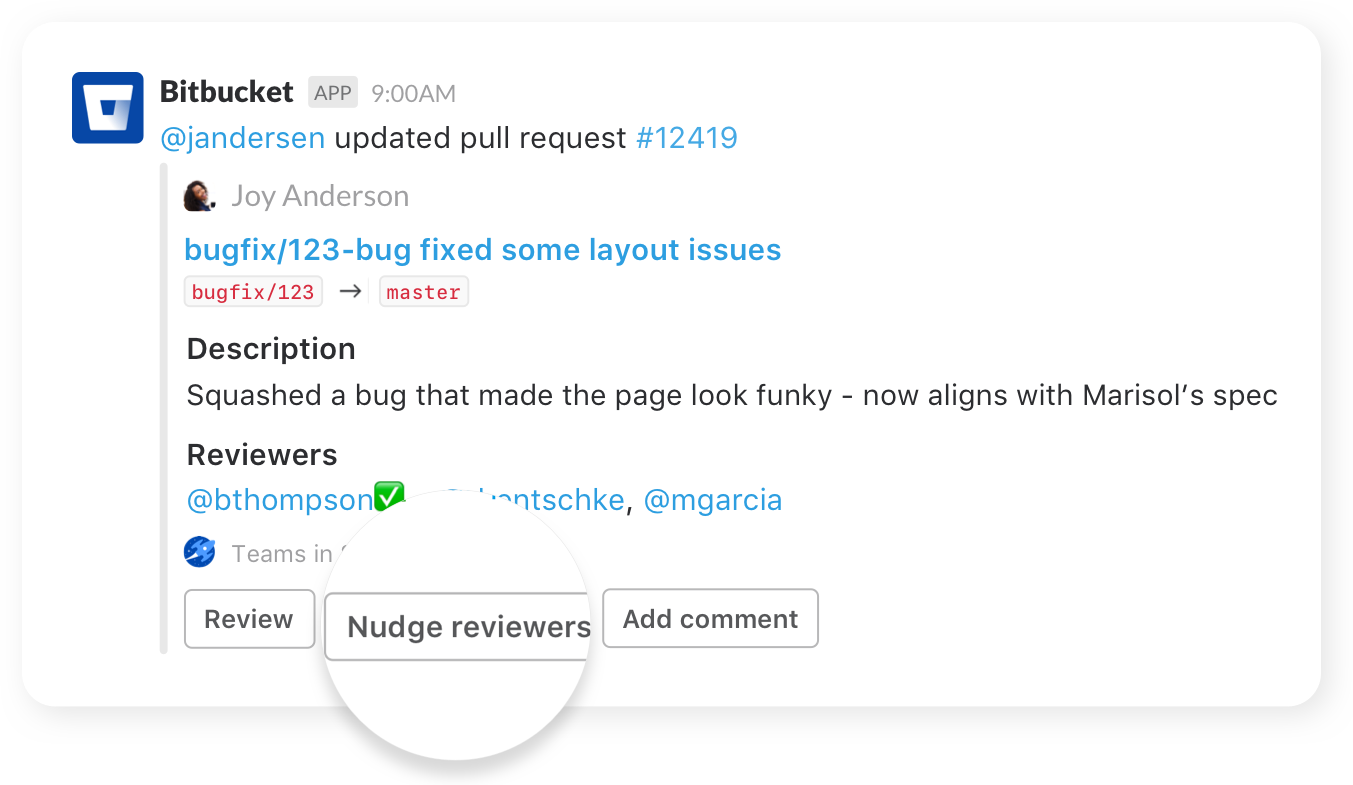
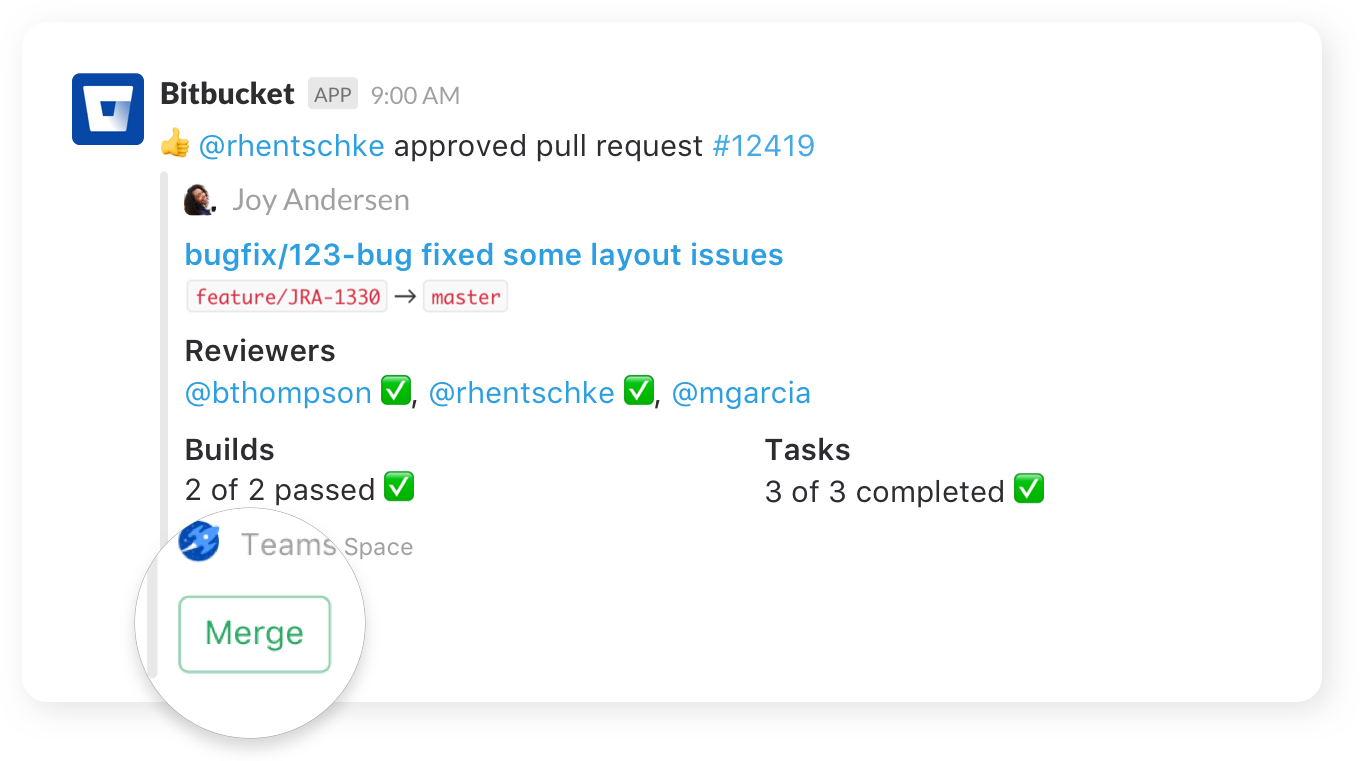
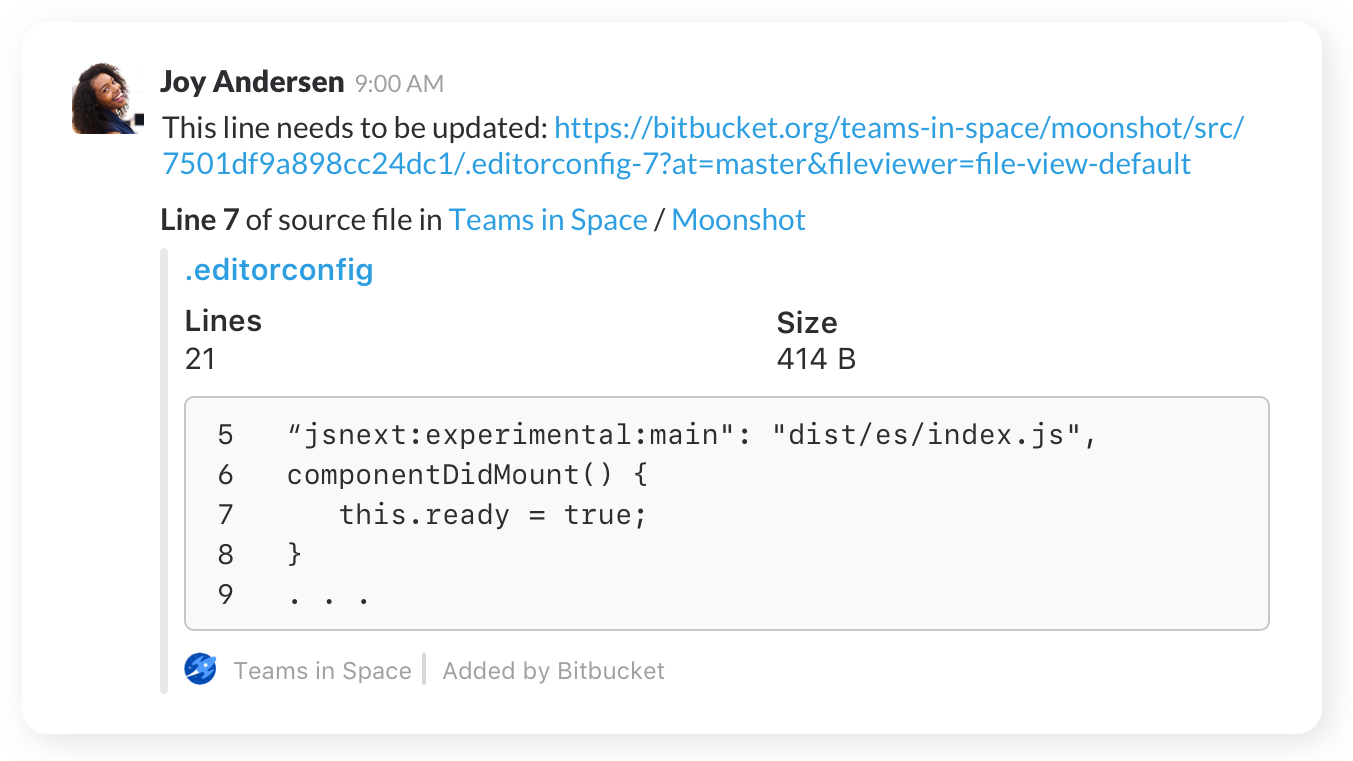
Collaborate on Code with BitbucketWith software eating the world, your team most likely has some code to work with. Tie in your repositories from Github and Bitbucket to receive a notification whenever a teammate pushes code, creates a branch, opens a pull request and more.

3. Builds and deploys with Bamboo or Jenkins

Build and deploy with BambooDeploying clean code is critical to your team’s success. Integrate HipChat with a continuous integration tool like Jenkins or Atlassian Bamboo and be the first to know whenever your code passes or fails a build. If your team deploys with Heroku, you can have HipChat send you a message to let you know a team member deployed your app.

4. Tackle customer service with UserVoice and Zendesk

Provide kick-ass customer service with UserVoiceNo matter what your company does, the customer is critical to your success. Stay connected and provide immediate kick-ass service to your customers by bringing UserVoice and Zendesk into HipChat.


5. Missing something? Zapier has you covered

Using Zapier, you can integrate HipChat with any other tool your team uses. Zapier supports 200+ services and has a simple interface, so your team doesn’t have to spend any time writing code to get these integrations set up. Start getting notifications in HipChat in just a couple steps. Check out the list of services and instructions to set up your Zaps, and when you’re ready, sign up through this link to get an extra 100 tasks per month!

Zapier

There’s no need to fumble around to stay updated of what’s going on. Keep a pulse on your team’s activity by integrating the tools you use with HipChat. With one service sending notifications, your team spends less time distracted and more time shipping awesome products.

Garret Heaton

What’s HipChat made of?

By Garret Heaton | 2 years ago | 0 Comments

At meetups people are always asking questions like “Hey, what’s your stack?” or “What do you use for analytics?” It’s a great way to learn about worthwhile tools and services (and sometimes start a heated debate.) We thought it’d be fun to share our technology profile to satisfy your curiosity and support the awesome services we use.

Services

Languages

  • ActionScript – desktop client (AIR)
  • HTML/CSS/JavaScript – website
  • Objective-C – iPhone/iPad app (coming soon!)
  • PHP – website
  • Python – chat server and other services
  • Ruby – for Chef

Server software

Anything else you’d like to know? Have a tool we should check out? Please let us know.

Garret Heaton

5 tips for running a company blog using WordPress

By Garret Heaton | 3 years ago | 8 Comments

WordPress is an incredibly popular blogging platform for all types of blogs. It’s easy to setup and maintain, looks nice, and has thousands of well-maintained plugins to choose from (including ours). When we were setting up this blog choosing WordPress was a no-brainer. But we soon realized that running a company blog was a little different than a personal one. We wanted it to fit into our existing workflow, tools, and infrastructure and we weren’t sure if WordPress was going to get in the way. It turns out WordPress is very flexible and didn’t cause any trouble. But we still learned a lot and wanted to share some tips:

1. Store your WordPress install in a repository

You store your other code in source control, so why not your blog? Probably because the standard WordPress install instructions tells you to download a zip, install it on a standalone server, and manage everything through the web admin. This is fine for your personal site, but is not the best setup for  a company blog. Storing it in a repository will make it easier to test changes locally (see #3), share the code between multiple people, have a record of changes, and manage deployments using a tool like Capistrano.

Luckily WordPress will happily live in a repository (a git repo on GitHub, in our case). Keep in mind that most of the config changes you make in the web admin will be stored in the database, not files you can check in to your repo. We maintain a WordPress database on our production systems as well as one in our dev environment. Any changes to plugin configuration, users, page content, etc need to be made in each environment independently.

Note: You’ll probably want to add wp-content/uploads/ to your .gitignore or svn:ignore since that content is environment-specific.

2. Run it on multiple servers

Hopefully your site is already running on multiple servers behind a load balancer so that it’s more redundant. Your blog should get the same treatment! It turns out there’s only one part of WordPress that doesn’t scale horizontally – file uploads. Since they get saved to the local disk, they’ll only appear on one of the servers in your cluster. If a visitor requests the image from one of the other servers they’ll see a broken image. Our solution was to use the Amazon S3 for WordPress plugin so that all our uploads are stored on S3 instead. The media gallery features of the web admin aren’t 100% compatible with this plugin (you’ll see some broken images), but we were OK with that. Another option would be to upload all your files to another part of your site or an external service like Flickr.

Note: The S3 plugin says it’s only compatible up to WordPress 2.7 but it’s working for us on 3.0.1. There’s also a new S3 plugin that looks promising, but we haven’t tested it.

3. Test upgrades in a dev environment first

We suggest installing your blog on a local server and using it to test all WordPress core, plugin, and theme upgrades before rolling them out to your live blog. Plugins and themes are easily upgraded using the links in the WordPress admin. Just verify that things are still working after the upgrade, check in the updated files, and release.

WordPress core upgrades are a little more complicated, or so we thought. We knew that these upgrades often modify the database during the upgrade process and we weren’t sure how we’d run those upgrades on our production systems. It turns out that WordPress is smart about not making breaking changes to the database so we’re able to follow the same process we do for plugins and themes. We just deploy newer versions of the code (like 3.0) to our production systems running an older version of the database (like 2.9) and everything works. The first person to go to the WordPress admin UI will be prompted with a ‘Database upgrade required’ page and WordPress will take care of updating things. Very cool!

4. Make the easy scalability improvements

If you’re not already running PHP on your production systems you may not have PHP’s APC module installed. Lucky you! Just install it, restart Apache, and your blog should be loading noticeably faster. If you’re interested in the reasons behind this, check out the Wikipedia article on PHP accelerators.

Second, install a cache plugin like wp-super-cache or batcache if you’re expecting serious bursts in traffic. You don’t want to have a popular post end up on the front page of Reddit generating unnecessary load on your servers.

5. Create your own theme

We got a little lazy making our HipChat theme originally and had just edited the ‘default’ theme. It turns out that WordPress will overwrite your changes as soon as you perform a core upgrade. Of course you’re using source control, so that’s not a big deal, right? :) Instead, just read the theme docs and learn how to make a theme for real. It’s almost as simple as copying another theme’s contents into a new directory and making your changes there.

Hopefully we’ve given you some ideas of how to make your company blog more reliable and easier to maintain. Please leave a comment if you have something to add or would like us elaborate.

Garret Heaton

How HipChat works: SMS chat with Twilio

By Garret Heaton | 3 years ago | 9 Comments

Earlier this week we released a mobile alerts feature allowing users to hook up their cell phones and participate in one-on-one chats while away from the computer. Having SMS support is important to us because just about everyone has a cell phone but not necessarily a smart phone capable of running our web chat. Adding SMS support turned out to be quite simple thanks to Twilio. Here’s why:

1. Cost – At first we thought we’d have to use short codes to send our messages. They’re the 5 or 6 digit numbers you can text vote on American Idol, get crappy ringtones, etc. Unfortunately they’re about $500/mo each (and some companies will charge you much more). We also looked at using a shared short code but you can’t do two-way SMS (send and receive) with them. Twilio lets you use local numbers for $1/mo that can send up to 1 message per second. This means we can just add more numbers as our volume increases. Finally, each message (in or out) is just $0.03.

2. Setup speed – It takes about 90 days and a bunch of approvals to get a short code, probably because you can use them to charge people monthly fees. Allocating a local number on Twilio takes about 15 seconds (even less if you do it through their API).

3. Two-way messaging – We need to be told about replies to the messages we send so mobile users can actually have conversations. We also need to use a different phone number for each chat session you have so that we know who you’re replying to (that’s where the short codes get really expensive). Twilio will hit a URL we provide with information about each incoming SMS so we can deliver them to the right person.

Note: If you’re just doing low-volume one-way messaging you can probably get away with email-to-SMS gateways.

4. Clean API – Twilio’s REST API is easy to use, and has a PHP library available. We just wish they had JSON support. By the way, we’re getting really close to releasing our own API!

5. Good support – They were far more helpful and responsive than other SMS gateway providers. We had the feature built and working in about 2 days.

We hope everyone enjoys the new SMS chat feature and that some of you will have the pleasure of adding SMS (or voice) support to your own app.